
[ AI GPU INFRASTRUCTURE / 01 ]
Cloud GPUs for AI. On-Demand GPU Power for AI Workflows.
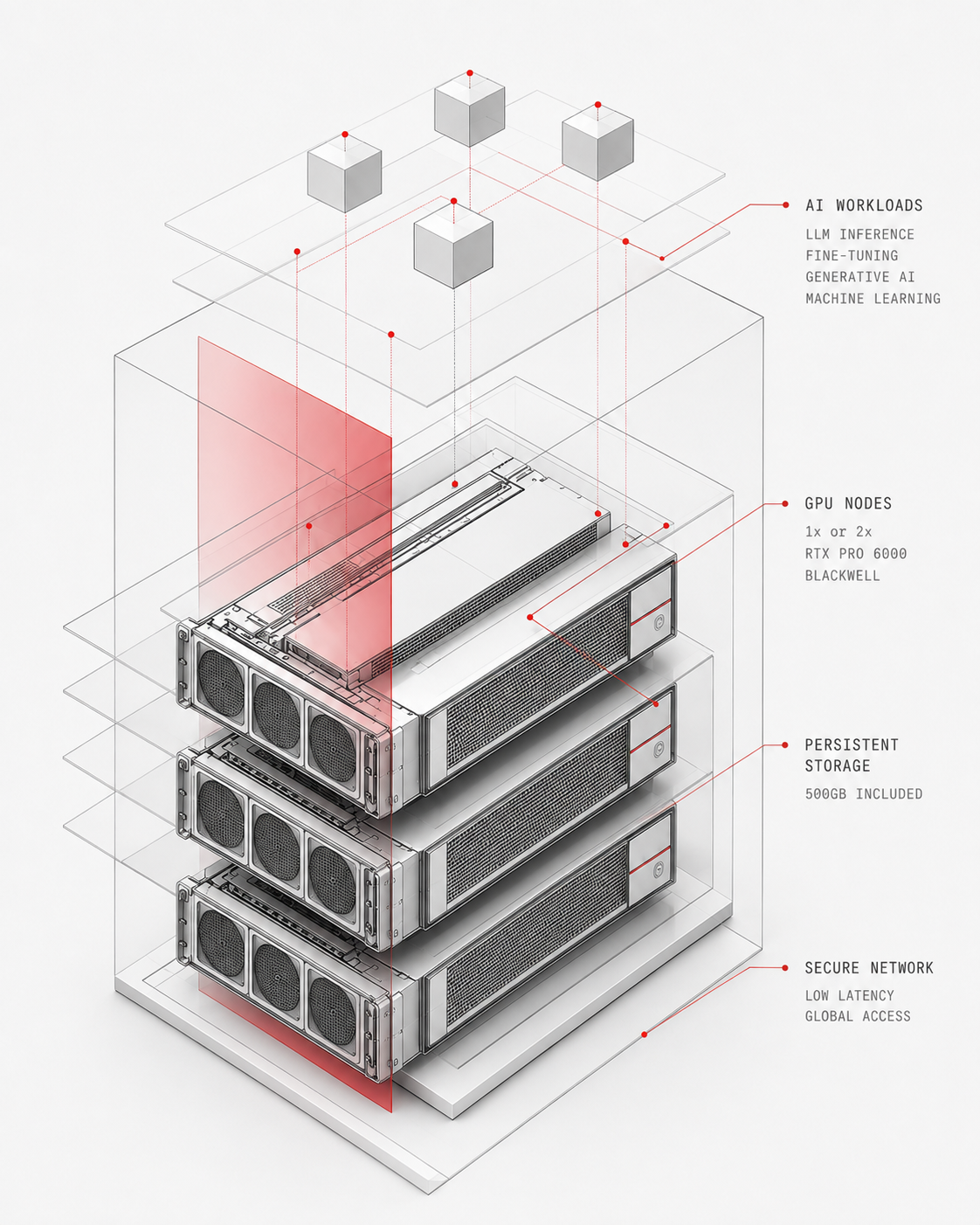
Run demanding AI workloads on NVIDIA RTX PRO 6000 Blackwell GPUs with up to 192GB total VRAM. Choose your GPU, run your models, and stop paying when you’re done.
$0.03
per minute
96GB
VRAM tiers
1s
Billing
[ PLATFORM / 03 ]
Choose the GPU Power Your AI Workload Needs
A powerful dedicated GPU for ComfyUI, AI development, inference, generative AI, and other GPU-intensive workloads
[ 96GB VRAM ]
1× RTX PRO 6000 Blackwell
A powerful dedicated GPU workstation for AI development, inference, generative AI, ComfyUI, and other GPU-intensive workloads.
[ 192GB (2 x 96GB) ]
2× RTX PRO 6000 Blackwell
Need more compute? Run two RTX PRO 6000 Blackwell GPUs in one workstation for supported multi-GPU and parallel AI workloads.
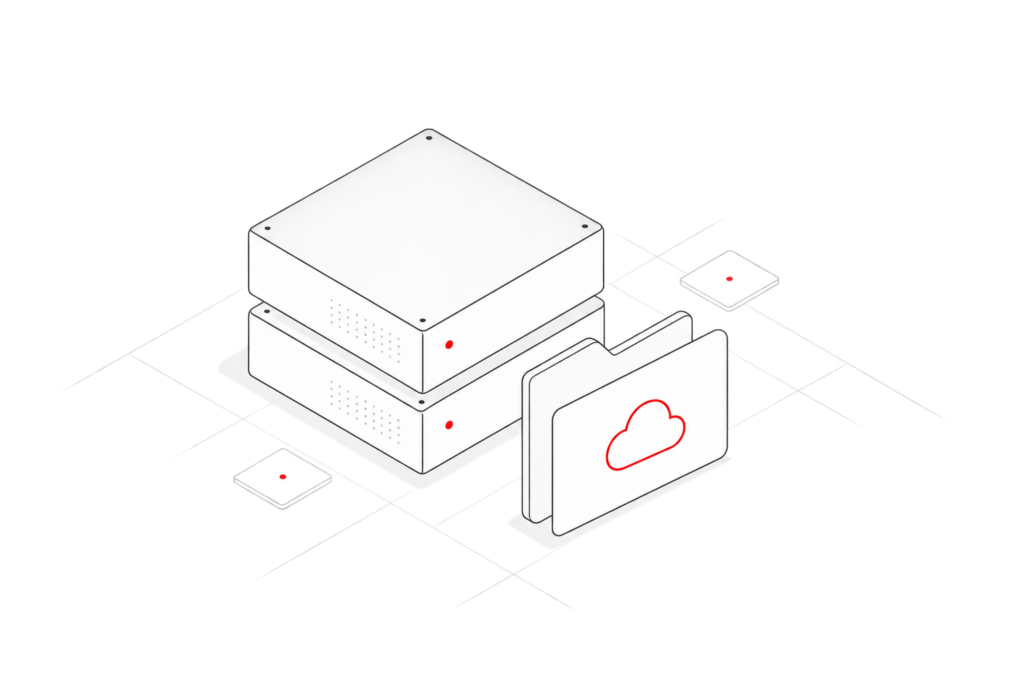
500GB Free Storage Included
Keep your models, checkpoints, datasets, tools, and project files in one persistent environment between sessions.
- Comes with 500GB free storage
- Keep models and checkpoints ready between sessions
- Store datasets, outputs, and project files in one place
- No need to re-upload your environment every time
- No separate charge for the included storage
Pay only while running
Use powerful GPU compute when you need it, without paying for idle time.
- Compute billing stops when the workstation is off
- No need to reserve GPU capacity 24/7
- Scale usage up or down based on your workload
- Ideal for bursty or project-based AI work
- No monthly minimum or long-term commitment
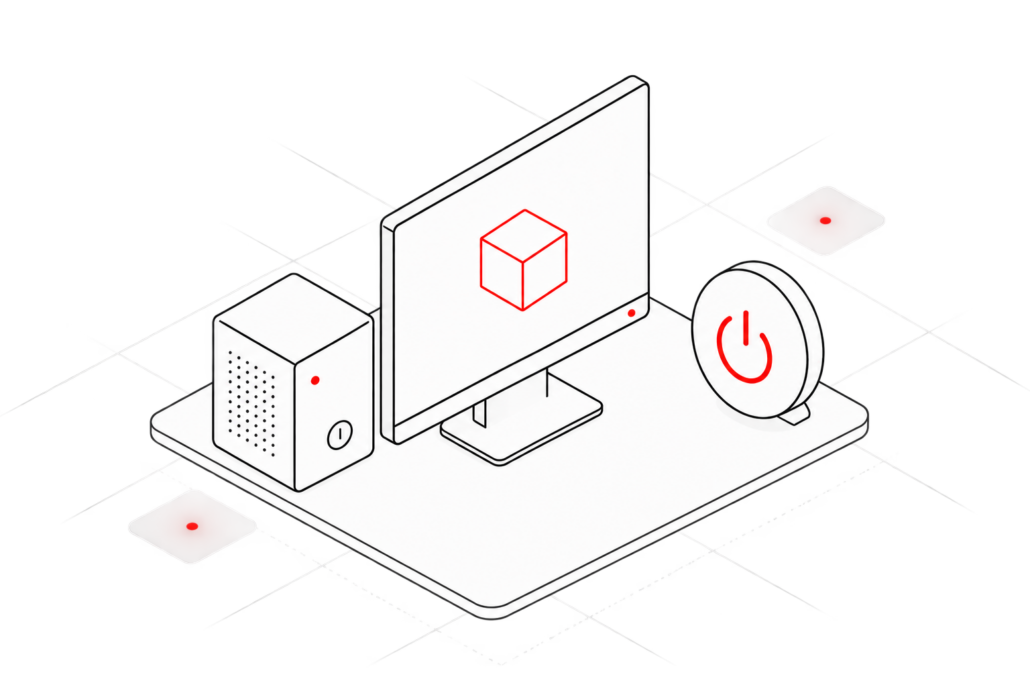
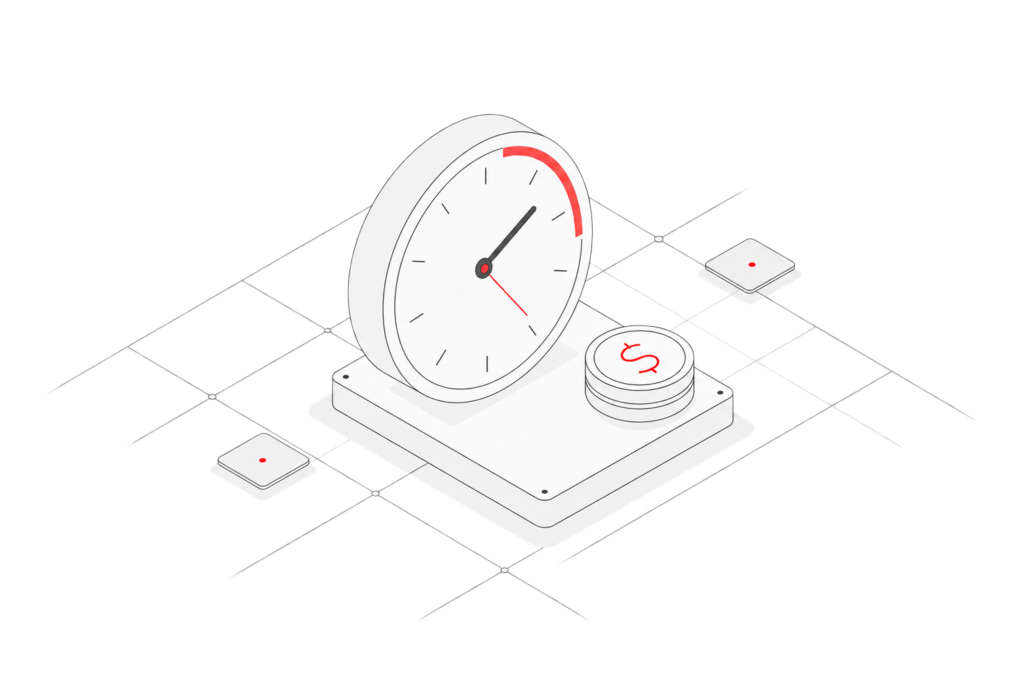
Per-Second Billing
Pay only for the time you actually use instead of rounding usage into fixed hourly blocks.
- Billing tracks actual workstation usage by the minute
- No need to pay for a full hour when you only need part of it
- Better fit for short tests, experiments, and quick AI jobs
- Easier to control GPU costs across changing workloads
- Use high-end compute without locking into fixed usage blocks
No Monthly Minimum
Use Xesktop when you need it, without committing to a fixed monthly spend.
- No required monthly usage
- No long-term contract
- Use it for one project or ongoing AI work
- Scale usage up or down as your needs change
- Keep access flexible without paying for unused capacity

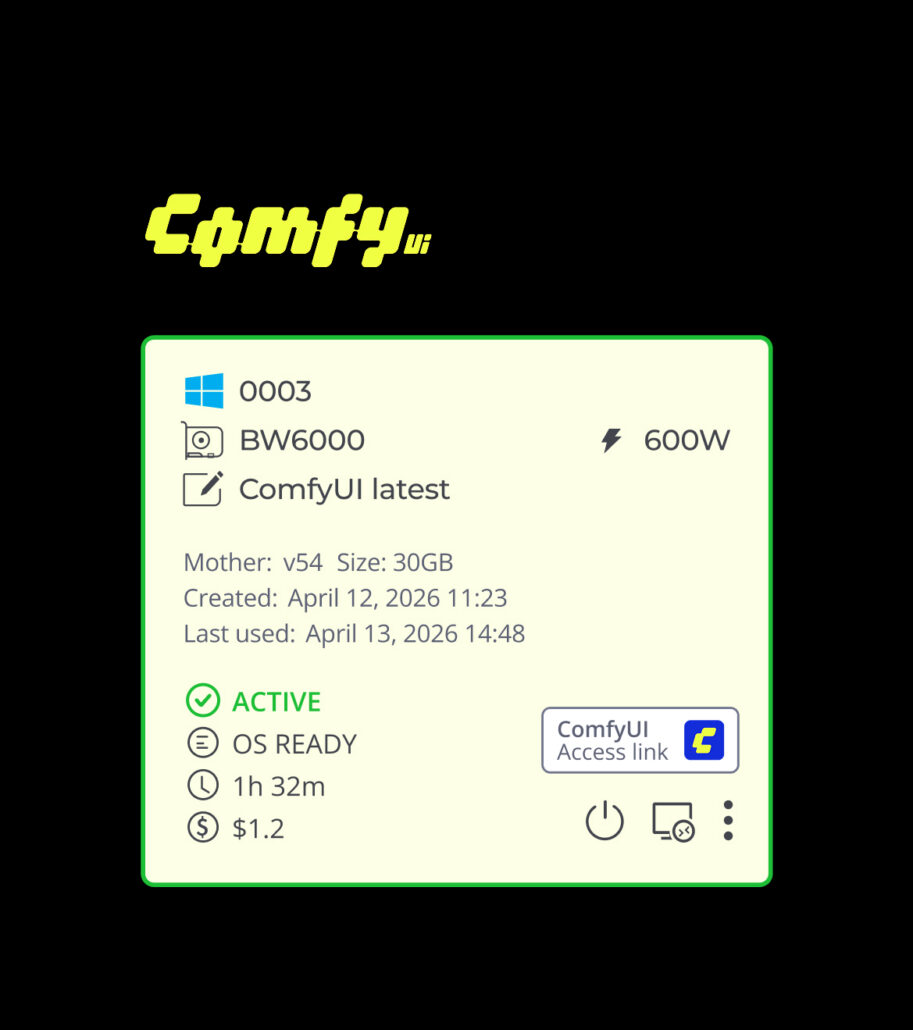
ComfyUI, Ready to Run
Launch a cloud GPU workstation with ComfyUI already installed, so you can start building and running AI workflows without setting up the environment from scratch.
- ComfyUI preinstalled and ready to use
- Run on NVIDIA RTX PRO 6000 Blackwell GPUs
- Up to 192GB total VRAM
- 500GB persistent storage for models, checkpoints, and workflows
- Start your workstation and access ComfyUI directly
[ CONNECT / 04 ]
How Xesktop Works
Connect to a powerful cloud GPU workstation in minutes and keep working from your own computer.
[ Choose your GPU ]
One or two Blackwell GPUs.
[ Connect ]
Access your workstation remotely.
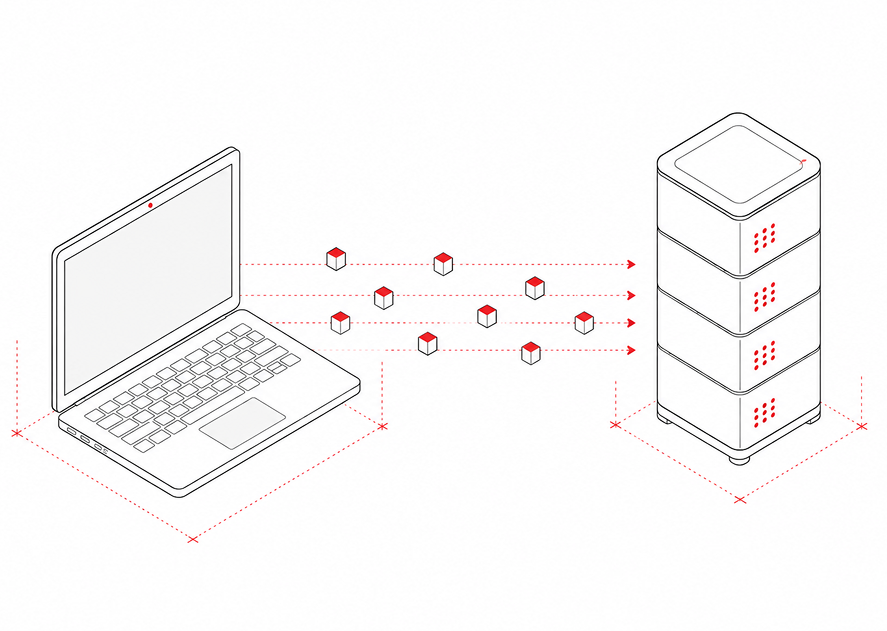
[ Run your workload ]
Use your AI tools and models.
[ Shut it down ]
Stop compute billing when done.
“Xesktop is awesome if your computer is too slow for big 3D or AI projects. I tried their new Blackwell computers and the speed is crazy, especially with that massive 96GB of memory. It easily handles huge projects that usually struggle on my own PC, saving me so much hassle. – Martin
[ PRICING ]
Choose a server type
Dedicated GPU workstations with transparent hourly rates, per-minute billing, and no monthly minimums.
2× RTX PRO 6000 Blackwell
$3.98 /hr
- VRAM 192 GB (2× 96 GB)
- GPU 2× RTX PRO Blackwell 96GB
- CPU AMD EPYC Gen4 32-core 3.25GHz
- RAM 260 GB
- OctaneBench 3,282
- NVLink N/A
- OS Windows 10
- System drive 300 GB
- Storage drive 500 GB
Popular
1× RTX PRO 6000 Blackwell
$1.99 /hr
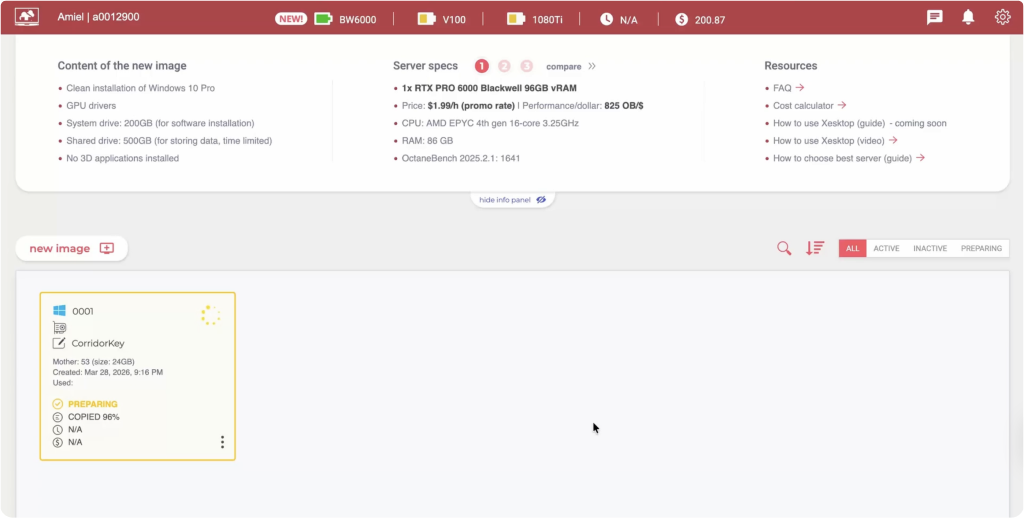
- VRAM 96 GB
- GPU 1× RTX PRO Blackwell 96GB
- CPU AMD EPYC 9354 16-core 3.2GHz
- RAM 86 GB
- OctaneBench 1,641
- NVLink N/A
- OS Windows 10
- System drive 200 GB
- Storage drive 500 GB
Tesla V100
$5.49 /hr
- VRAM 8× 16 GB
- GPU 8× Tesla V100 16GB
- CPU 2× Intel E5 v4 10-core 3.2GHz
- RAM 256 GB
- OctaneBench 1,966
- NVLink Supported
- OS Windows 10
- System drive 200 GB
- Storage drive 500 GB
GTX 1080Ti
$3.99 /hr
- VRAM 10× 11 GB
- GPU 10× GTX 1080Ti 11GB
- CPU 2× Intel E5 v4 8-core 3.0GHz
- RAM 256 GB
- OctaneBench 1,015
- NVLink Supported
- OS Windows 10
- System drive 200 GB
- Storage drive 500 GB
Save even more when renting more servers or running longer sessions.
Learn more[ PRODUCTION-READY / 05 ]
Built for production work, not experiments
[ TAILORED HARDWARE / 01 ]
Tailored hardware, every session.
Xesktop runs on dedicated machines built for production. No shared GPUs, no spot interruptions, no surprises. Configure your workstation once, save it as a template, share it with your team.
Configure for your workflow
Pick your GPU class, VRAM tier, and storage upfront. Save the configuration as a template.
Dedicated production machines
Run long renders and heavy jobs without competing for shared capacity.
[ SMART PRICING / 02 ]
Cost control without slowing work.
Launch capacity when the job starts and shut it down when the job is done. Your team gets predictable usage data without maintaining idle hardware.
Pay only while running
Per-second billing keeps idle workstations from becoming hidden production costs.
Track every project
Break usage down by session, team, and pipeline so budgets stay visible.
[ REAL SUPPORT / 03 ]
Production support when shots depend on it.
Keep teams moving with reusable environments, practical onboarding, and support built around the way render and ML teams actually work.
Reusable environments
Snapshot known-good setups and hand them off across artists, engineers, and jobs.
Pipeline-aware help
Get support for workstation setup, access, and production handoff instead of generic cloud tickets.

Blog
-
Breaking the sound barrier: How this developer made accessible conversations
Discover how independent developer Arbel used Xesktop’s GPU resources to build Ozen, a free, open-source app that provides private, offline Hebrew captions for people who are hard of hearing.
-
How to Make AI videos with More Control
Learn how to combine 3D playblasts with ComfyUI workflows to gain more control over motion, camera direction, composition, and style in AI-generated videos.
-
What is AI inference?
AI inference is the process of using a trained AI model to turn new inputs into useful outputs, whether through chatbots, image generators, recommendation systems, computer vision, or other AI applications.
-
Dual-GPU Blackwell Nodes Are Now Available on Xesktop
Xesktop now offers dual-GPU nodes equipped with two RTX PRO 6000 Blackwell GPUs. The new configuration delivers 192GB of total VRAM across two GPUs and nearly twice the rendering performance in workloads that support multi-GPU processing. It is designed for demanding rendering, AI, and parallel GPU workflows that require more computing power within a single…
-
A beginner’s guide to remote desktop rendering for 3D artists
Remote desktop rendering gives 3D artists a way to use a more powerful computer over the internet instead of relying only on their own laptop or workstation. You connect to a remote machine, open your 3D software there, work on the project, render the final output, then download the files when they are done. For beginners, this…
-
A beginner’s guide to Xesktop
What is Xesktop? Xesktop is a server rental service that gives users access to remote GPU servers that behave like cloud-based Windows computers. Instead of buying or upgrading a powerful workstation, you can rent GPU power when you need it and control the server through a Remote Desktop connection. For beginners, the easiest way to understand Xesktop is this:…
[ LAUNCH / 08 ]
Ready to Accelerate Your AI Workflows?
Create your account in minutes. Launch your first GPU session and pay only for the time you use.